What Causes Low Water Pressure and How to Fix It
Weak showers and slow-filling faucets are more than an annoyance — they can signal hidden plumbing problems. Learn what causes low water pressure and how to fix it.
Read article →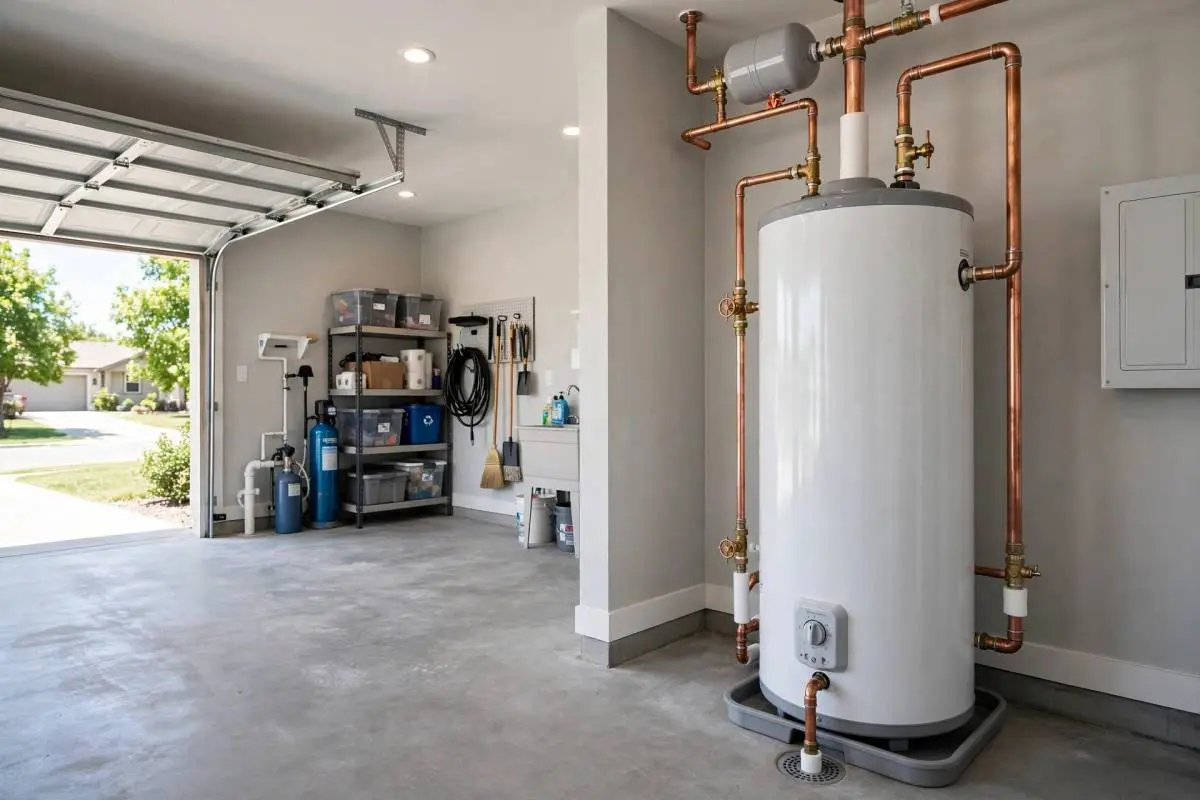
When the heating or cooling stops working, the thermostat is the first suspect, and it is also the easiest to check. Industry techs report that a large share of no-heat and no-cool calls trace back to thermostat settings, batteries, or placement rather than the equipment itself.
Start with the obvious: is it set to the right mode and temperature? It sounds silly, but mode switches get bumped during cleaning, and someone may have changed the program. Make sure it says HEAT or COOL as appropriate, and that the setpoint is a few degrees beyond room temperature.
Replace the batteries. Many thermostats give no clear low-battery warning before acting erratically or going dark. Fresh batteries fix more "dead thermostat" complaints than any other single step. If your unit is hardwired with battery backup, check the breaker too.
Location matters enormously. A thermostat in direct sunlight, near a heat-producing appliance, above a supply vent, or in a drafty hallway reads the wrong temperature and short-cycles the system. If yours is poorly placed, ask a technician about relocating it during your next HVAC service visit.
For programmable models, review the schedule. An old program from a previous owner or a daylight saving glitch can override your manual settings. Reset to factory defaults and reprogram from scratch if the behavior seems random. Smart thermostats sometimes lose Wi-Fi connection, which disables remote features but should not stop basic heating and cooling.
If the display works but the system does not respond, the problem may be wiring, a blown fuse on the control board, or a tripped float switch from a clogged condensate drain. Check the drain line for blockages, since many systems shut down deliberately when the drain backs up to prevent water damage.
When basic checks do not resolve it, document the symptoms: what the display shows, whether the indoor or outdoor unit runs, and any error codes. This information helps a technician diagnose faster. Persistent issues with an old mercury or early digital thermostat are a good excuse to upgrade to a modern smart model, which a pro can wire correctly along with any needed electrical updates.
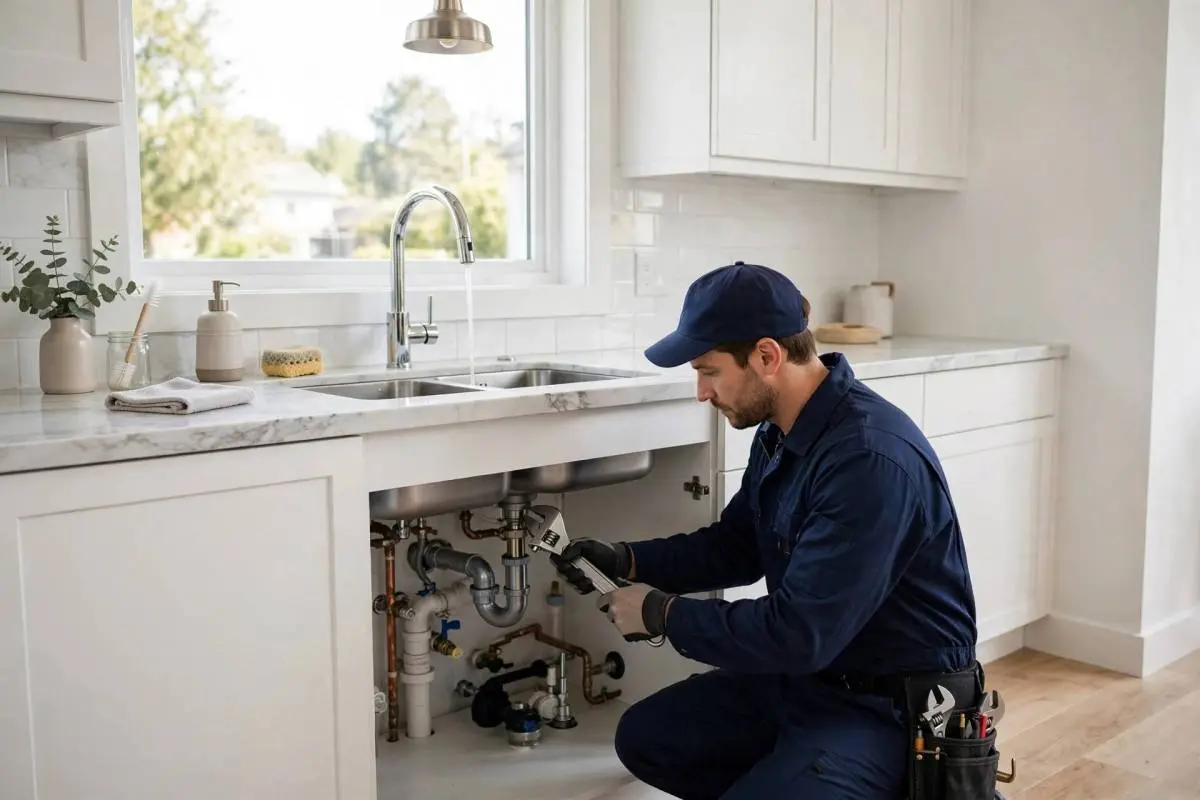
Weak showers and slow-filling faucets are more than an annoyance — they can signal hidden plumbing problems. Learn what causes low water pressure and how to fix it.
Read article →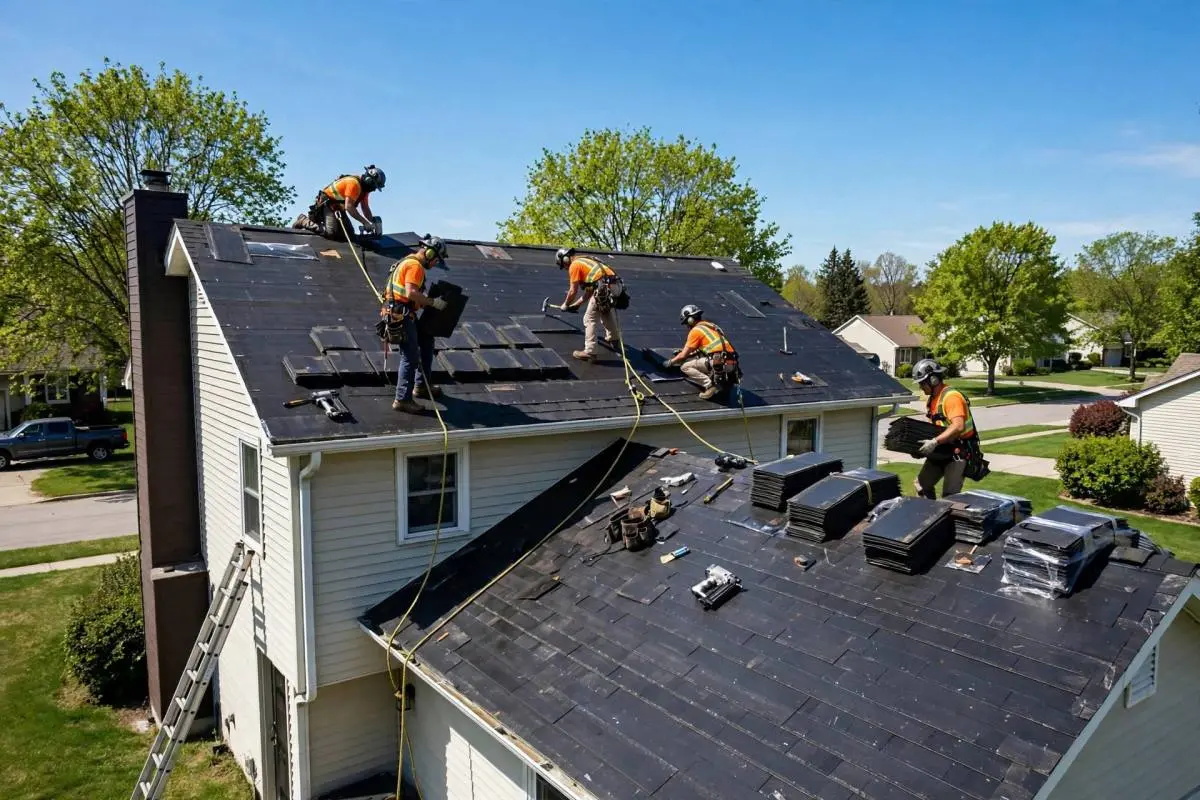
After hail, high winds, or a hurricane, a quick inspection can catch roof damage early. Use this step-by-step checklist before small problems become costly leaks.
Read article →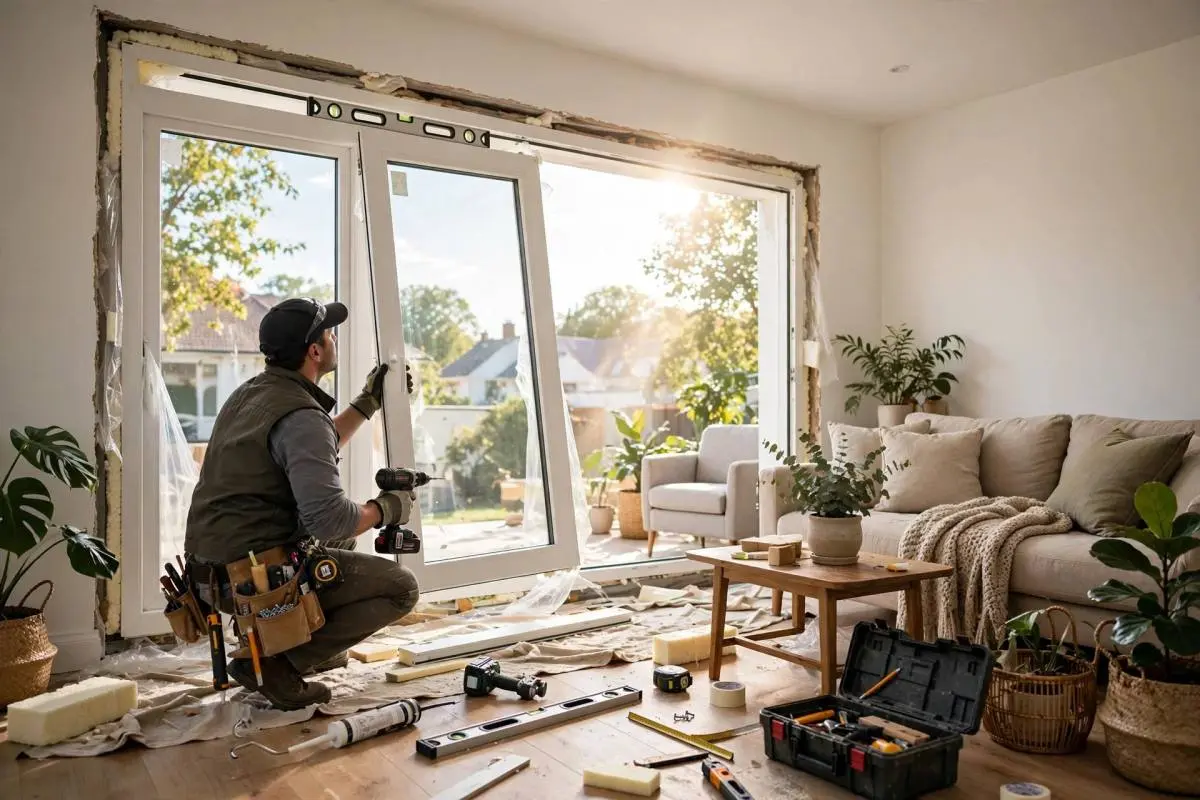
Triple-pane windows insulate better and hush outside noise — but cost 10–20% more. Learn when the upgrade pays off and when double-pane is the smarter buy.
Read article →Emergency? We answer 24/7 and dispatch the nearest certified technician — most arrivals in under 60 minutes.